Overview
User States For Grids
User state persistence and restoration on grids (filters, columns, sorting, layout).
Screenshot Reference (User Manuals)
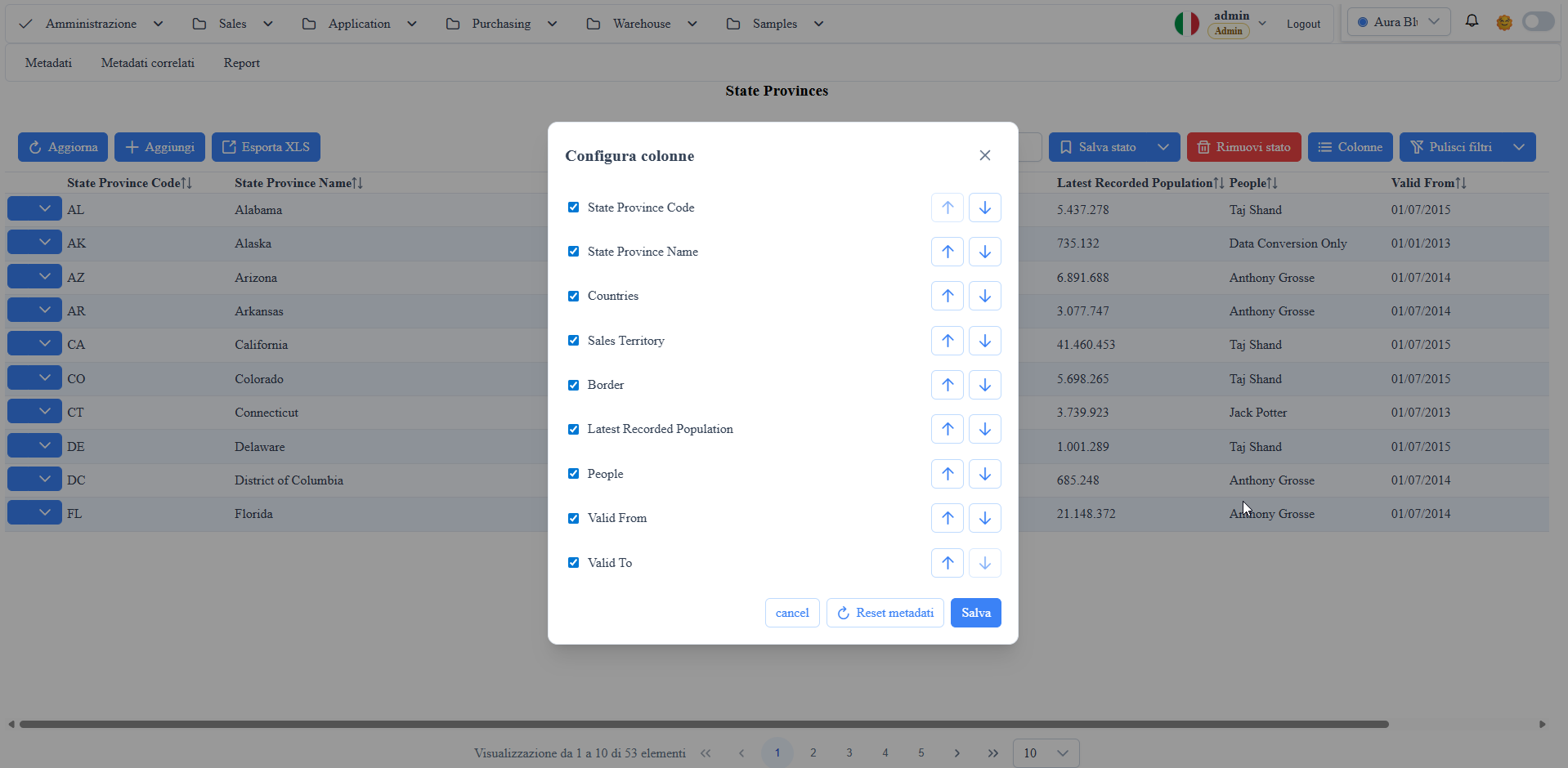
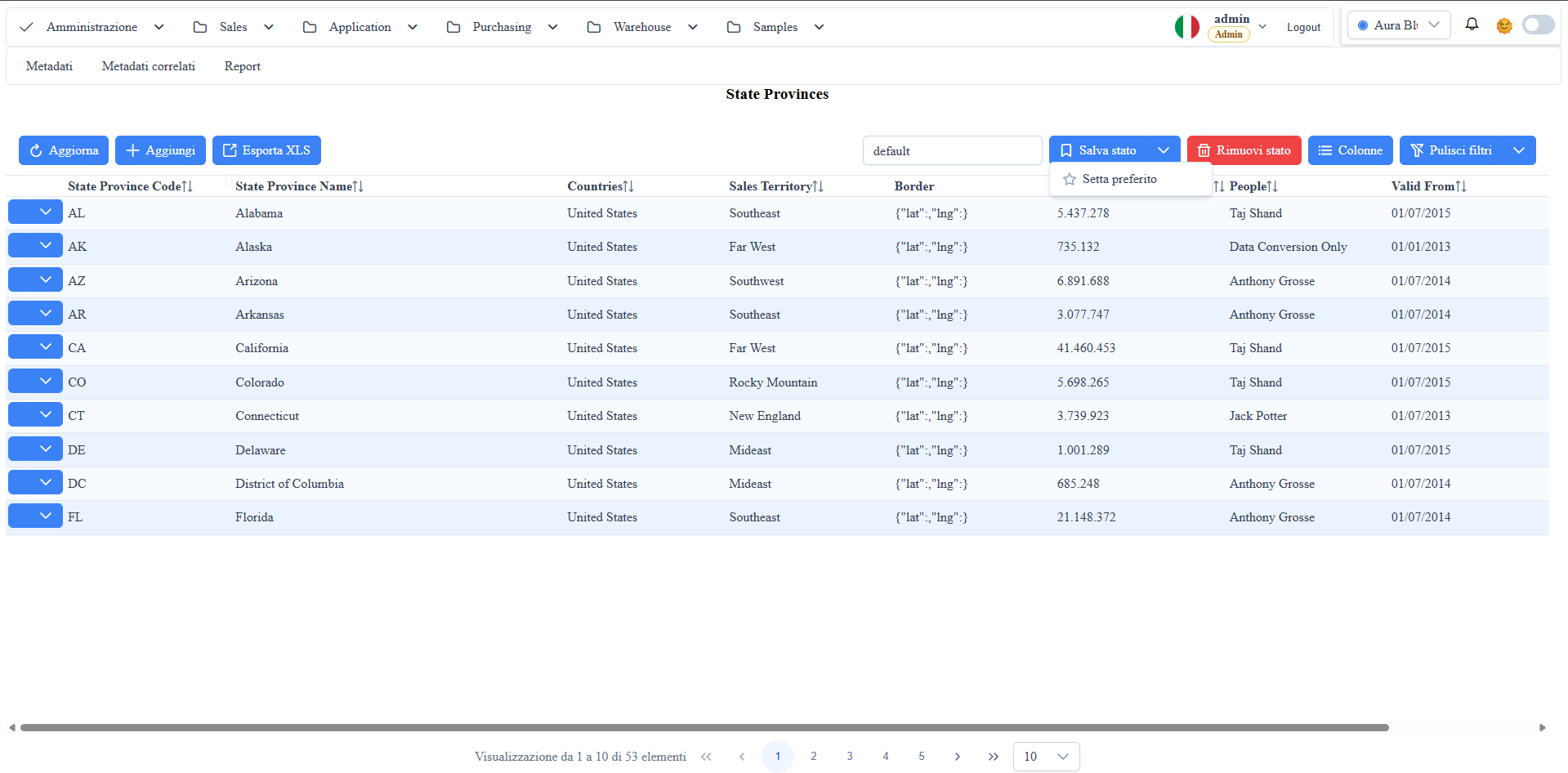
manual__grid_states__01.png: grid states toolbar with save/remove/set preferred.manual__grid_states__02.png: column management popup with visibility and reordering.
Main Features
Column Resize
- The grid supports column resizing in the header.
- Resized widths are stored in the current route's state.
- When reopening the same grid, the layout is restored with the saved widths.
Save State / Remove State
Save statesaves the current grid snapshot (filters, sorting, paging, column layout).- The state can be saved with a new name or by updating an existing state.
Remove statedeletes the selected state and reverts the selection to the default view.
Set Preferred
Set preferredmarks the selected state as default for that route.- Only one state per route can be preferred.
- When reopening the page, the framework automatically tries to apply the preferred state.
Column Management Popup (Visibility, Order)
- The
Columnspopup opens the list of available columns. - For each column you can:
- enable/disable visibility;
- change the order with up/down buttons.
- On save, the configuration updates the current layout and can be included in saved states.
Saved State Scope
The grid state typically includes:
- column filters and global filter;
- sorting;
- current page and page size;
- column widths;
- column visibility and order.
Screenshot