Overview
Component Injection
Dynamic injection of custom components and content into the layout.
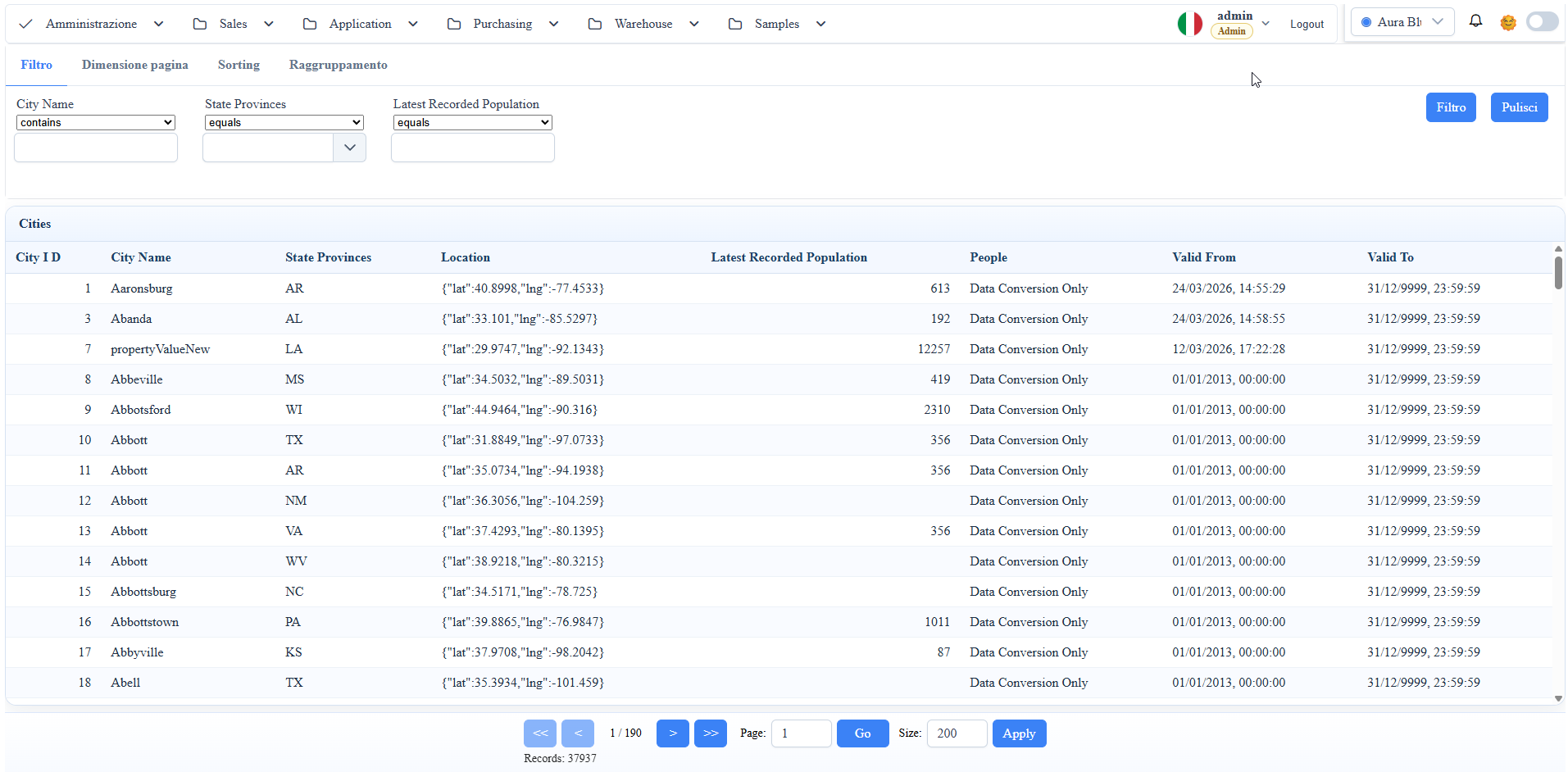
Screenshot Reference (User Manual)
manual__custom_component__01.png: runtime integration example of a custom component in the host project.
Objective
Use custom Angular components defined in the host project (e.g., WuicTest) without modifying the framework's core runtime.
Example 1: Register a Custom Archetype (Databound)
Host reference: WuicTest/wwwroot/src/app/app.component.ts.
Description:
you register a host component inside the framework archetypes, so it can be used as a metadata-driven widget.
import { MetadataProviderService } from './wuic-bridges/core';
import { CustomListComponent } from './component/custom-list/custom-list.component';

MetadataProviderService.widgetDefinition.archetypes['customlist'] = {
  component: CustomListComponent,
  designerOptions: null
};MetadataProviderService.customDesignerComponents = [CustomListComponent];
MetadataProviderService.customDesignerTools = [
{
group: 'DATA',
toolId: -1,
name: 'TOOL_X',
tag: `<app-custom-list [attr.id]="uniqueName" [attr.title]="uniqueName" [datasource]="inputs.datasource?.component"></app-custom-list>`,
Result:
- the
customlistarchetype becomes available at runtime/designer; - the host component is instantiated by the framework as a databound widget.
Example 2: Add a Custom Tool in the Designer
Host reference: WuicTest/wwwroot/src/app/app.component.ts.
Description:
you register the component and the designer tool that generates the custom tag with binding to the datasource.
metaMenuComponent: any = null;
notificationBellComponent: any = null;

private async loadShellWidgets(): Promise<void> {
  const [ui, notifications] = await Promise.all([
    import('./wuic-bridges/ui'),
    import('./wuic-bridges/notifications')
<ng-container *ngIf="metaMenuComponent" [ngComponentOutlet]="metaMenuComponent"></ng-container>
<ng-container *ngIf="notificationBellComponent" [ngComponentOutlet]="notificationBellComponent"></ng-container>
Result:
- a custom tool appears in the designer toolbox (
group: DATA); - the custom tag is serialized in the boardcontent with binding to the chosen datasource.
Example 3: Shell-Level Injection with NgComponentOutlet
Host reference: WuicTest/wwwroot/src/app/app.component.ts + app.component.html.
Description:
lazy-load of shell components in TypeScript and dynamic rendering in the host template.
TS snippet:
Related template:
HTML snippet:
Result:
- the component is lazy-loaded from the host project;
- the instance is dynamically rendered in the shell layout.
Operational Notes
- Register archetypes/tools at bootstrap phase (
app.component) before using docs/app routes. - Use stable archetype names (
customlist) to avoid mismatches in serialized boardcontent. - For custom host components, verify that they are
standaloneor correctly imported in the host module.
Screenshot