Overview
Reporting
Operational reporting on route #/<route>/report-viewer.
Screenshot Reference (User Manual)
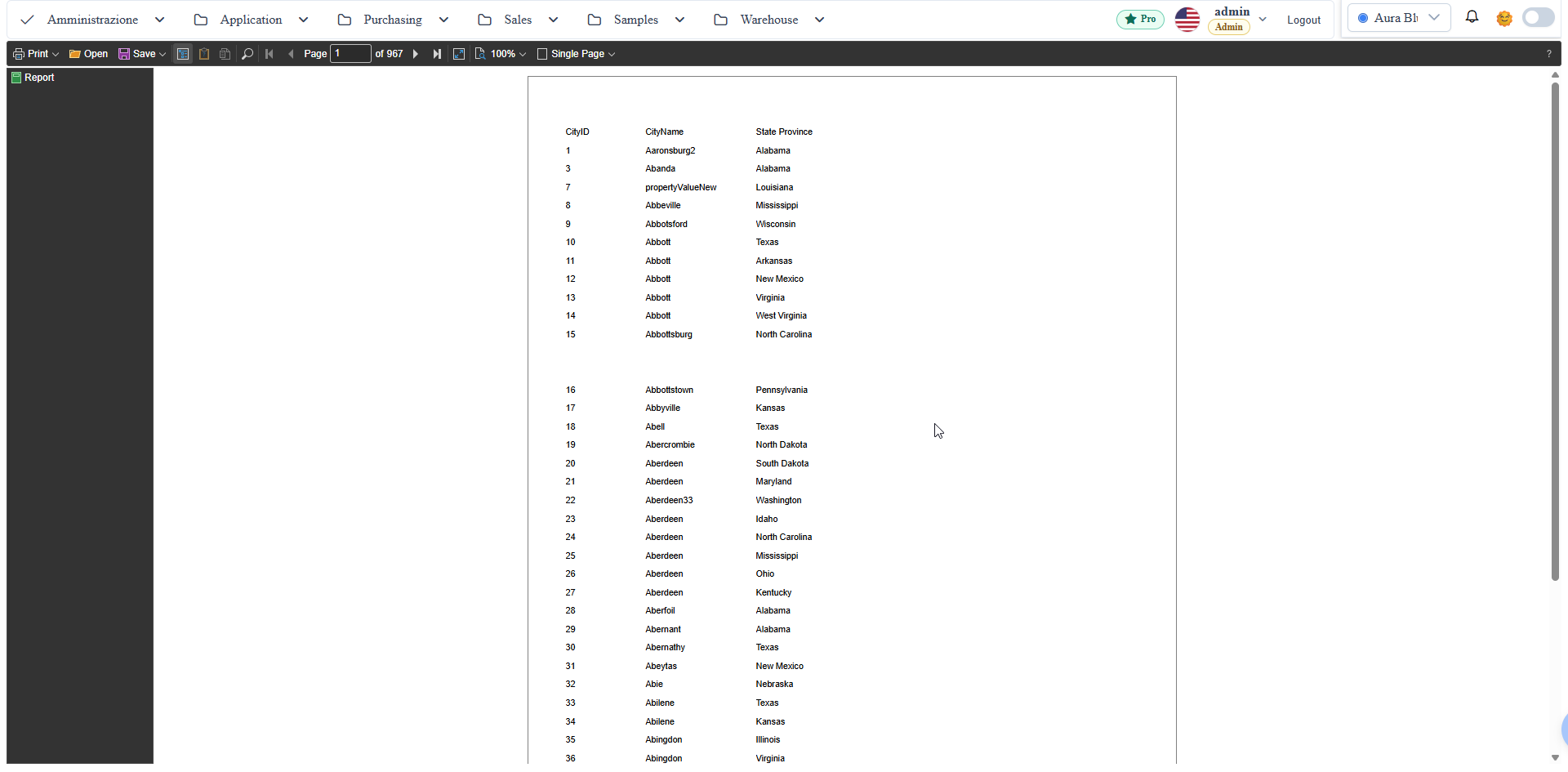
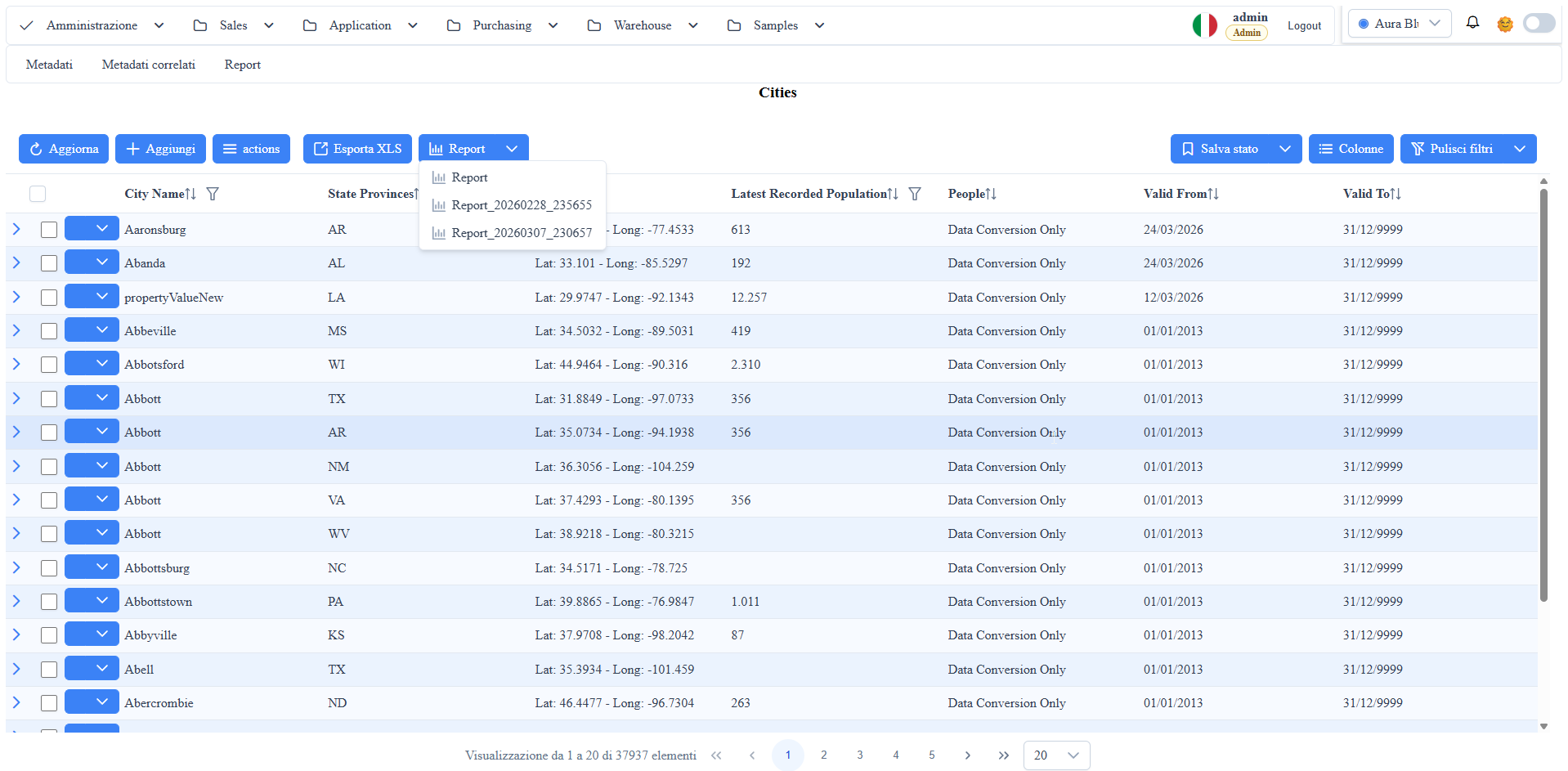
manual__reporting__01.png: report viewer opening with report rendering and operational toolbar.manual__reporting__02.png: runtime example with parameters/filter applied to the report.
Report Viewer
The report-viewer executes and displays Stimulsoft reports associated with the current metadata route.
Main features:
- report opening from list/grid with report name (
reportName) and optional parameters. - runtime data rendering with viewer toolbar (zoom, export, print).
- filter/parameter support propagated from the calling page.
Designer Reference
For report .mrt creation or modification, see the subsection
Report designer in Designer & Workflow.
Report parameters (filtered SQL variables)
To filter a report on a specific entity (e.g. printing a single invoice), the canonical pattern is:
1. In the `.mrt`: declare a Variable in the Dictionary with AllowUseAsSqlParameter = True (Stimulsoft 2026.1+). Use the variable as @paramName in SqlCommands:
   SELECT ... FROM fatture_inviate WHERE id = @fattura_id
   SELECT ... FROM fatture_inviate_righe WHERE fattura_id = @fattura_id
> Pitfall: do NOT use the legacy <StiDataParameter> block in the DataSource — it is no longer supported by the current Stimulsoft version and produces ArgumentException: Int32 is not a valid value for Int32. (Parameter 'value') during report.Load().
2. In the viewer URL: pass the value via the parameters query param (NOT as a direct query param):
✅ #/<route>/report-viewer?reportName=Report.mrt¶meters=fattura_id%7C%7Ceq%7C%7C42
❌ #/<route>/report-viewer?reportName=Report.mrt&fattura_id=42 <-- ignored parameters URL-encoded syntax: name||eq||value (separated by @ for multiple parameters).
3. From a row action or UI link: use the canonical callback to build the URL:
const recordId = (record && record.id && record.id.value) ?? (record && record.id);
const params = 'fattura_id||eq||' + recordId;
window.location.hash = '#/<route>/report-viewer?reportName=Report.mrt¶meters='
+ encodeURIComponent(params);Report query timeout
AppSettings.reportQueryTimeout (seconds) applies to the report's SQL data sources left at the Designer default timeout (30); the others keep the value saved in the .mrt. If the key is missing or is not a positive integer the backend uses 120 (up to 1.7.13 the key was mandatory: without it, every report with the default timeout answered 400). The packages already include it. Example:
"AppSettings": {
  "reportQueryTimeout": "120"
}
The viewer's jsonPath parameter (data source read from a JSON file on the server) is reserved to administrators since 1.7.13: for other users the request is refused. Reports with an SQL source and the parameters parameter do not change.
Screenshot