Overview
Audit and Logical Deletion
Change tracking, operation history, and application auditing.
Screenshot Reference (User Manual)
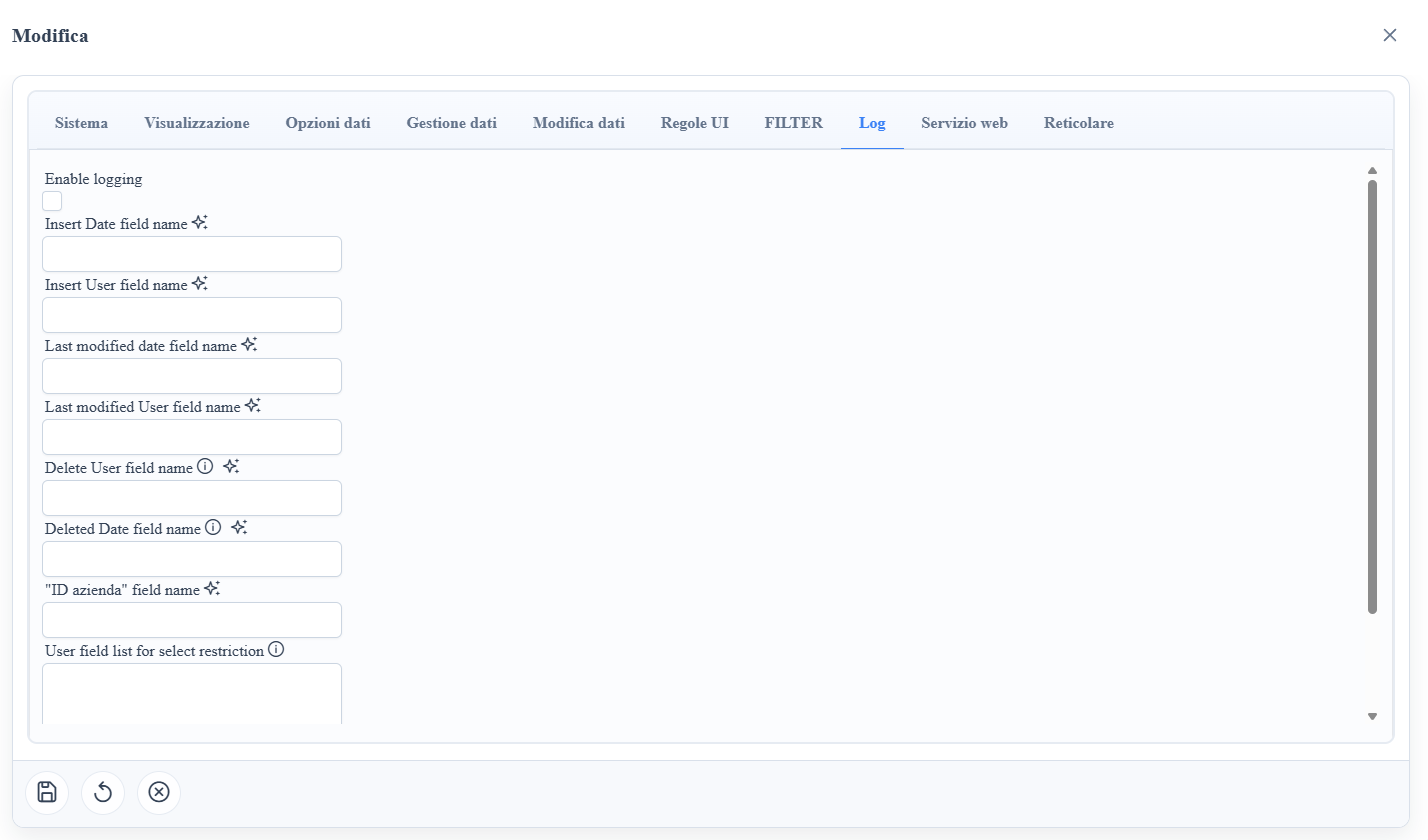
manual__audit__01.png: audit and logic delete metadata configuration.
Audit Table Metadata (*_logging_*)
md_logging_enable: enables automatic auditing on the route.md_logging_last_mod_user_field_name: last modification user field.md_logging_last_mod_date_field_name: last modification date/time field.md_logging_insert_user_field_name: insert user field.md_logging_insert_date_field_name: insert date/time field.md_logging_delete_user_field_name: delete user field (physical/logical).md_loggingdelete_date_field_name: delete date/time field.md_logging_azienda_field_name: company/tenant field for multi-tenant audit.md_service_enable_logging: enables logging also for service/API exposures.
Logic Delete (Table and Column Metadata)
md_has_logic_delete: enables logical delete at the table/route level.mc_is_logic_delete_key: identifies the flag column representing the logical deletion state.
Operational Behavior
- With
md_has_logic_delete = true, delete operations update the logical flag instead of physically deleting the record. - With active logging, the
md_logging_*fields are populated during insert/update/delete according to the metadata pipeline. - The column marked with
mc_is_logic_delete_keyis used by the framework to distinguish active and logically deleted records.
Screenshot